Why 'It Installs' Isn't Good Enough
Most IT teams judge a package by whether it installs without errors. But installation is just the beginning — what about conflicts, version drift, and Day 2 support?
The Installation Illusion
Every IT team has a packaging workflow. Someone downloads the installer, wraps it in a script, pushes it through SCCM or Intune, and checks whether the exit code is zero. If it installs, it ships.
But "it installs" is a dangerously low bar. The real questions come later: Does it conflict with existing software? Does it break when the next Windows update lands? Does the user get the right settings on first launch?
The Cost of "Good Enough"
When packages aren't built with intelligence, problems compound silently:
- Version drift — Engineering needs AutoCAD 2024.1.2, but half the floor is running 2024.0.3 because the update package was never tested against the plugin stack.
- Silent conflicts — Two applications ship overlapping DLLs. Neither installer detects the collision. Users get intermittent crashes that take weeks to diagnose.
- Configuration sprawl — Every new hire gets the default settings, then submits tickets to change six preferences. Multiply that by 200 hires a year.
How We Solve It
Our packaging platform is built around the principle that every package should be production-ready before it touches a single endpoint. Here’s how we address each of the problems above.
Automated Conflict Detection
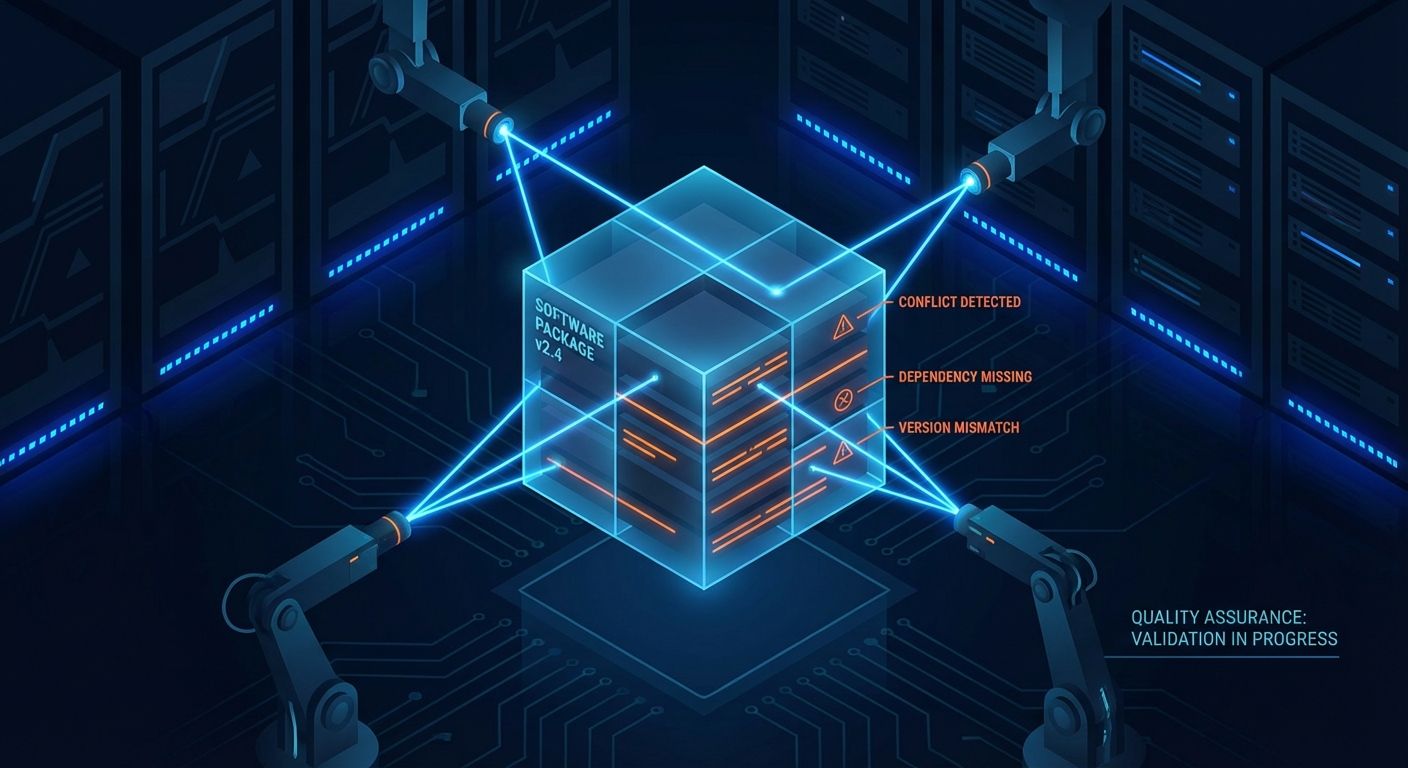
Every package we build goes through automated conflict analysis before it enters the repository. The process compares file manifests, registry keys, shared DLLs, and port usage against every other package in the environment. If two applications ship overlapping components, we catch it during the build — not after a user reports crashes three weeks into production.
This isn’t a one-time check. When a new version of any application enters the pipeline, conflict detection runs again against the full catalog. An update to Chrome doesn’t just get tested in isolation — it gets tested against everything it will coexist with.
Version Control Where It Matters
Not every application should auto-update. Engineering tools like AutoCAD, SolidWorks, or Visual Studio often need strict version pinning — the exact build that’s been certified against the project’s plugin stack. Upgrading without testing can break toolchains and halt production work.
Our platform lets you make that choice per application. Engineering tools get locked to a specific version and only move when the team explicitly approves the upgrade. Meanwhile, productivity apps like Chrome, Zoom, and Teams stay evergreen — always pulling the latest approved version automatically. One repository, two strategies, zero ambiguity.
Pre-Configuration Baked In
Every package we deliver includes the configuration the user actually needs. License keys, proxy settings, default file paths, telemetry opt-outs, printer mappings — all embedded in the package itself. When a user opens the application for the first time, it’s ready. No setup wizard, no preferences to change, no Day 1 tickets.
This is especially impactful at scale. If your organization hires 200 people a year and each one would have submitted 3–5 tickets about application settings, you’ve just eliminated 600–1,000 tickets annually — and given every new hire a better first-day experience.
Chocolatey-Powered Automation
Under the hood, our packaging platform is built on Chocolatey — the industry-standard package manager for Windows. Every application is wrapped as a Chocolatey package with install, upgrade, and uninstall scripts that handle dependencies, prerequisites, and cleanup automatically. This gives us repeatable, testable, version-controlled deployments that work the same way every time, on every machine.
Because Chocolatey packages are code, they live in source control and go through the same review process as any other infrastructure change. When something goes wrong, you can diff the package, see exactly what changed, and roll back to a known-good version in minutes.
Scheduled Deployments Without the Overhead
Not every deployment should happen the moment it's ready. A 2 GB application upgrade pushed during peak hours means bandwidth contention, forced reboots, and lost productivity. But the alternative — logging into Intune to manually create scheduled deployment policies for every update — adds hours of administrative overhead that defeats the purpose of automation.
Our platform handles this natively. When packaging an application, you decide its deployment behavior: install immediately, or defer to a scheduled maintenance window. Critical security patches and lightweight utilities deploy on demand. Large application upgrades, major version transitions, and anything that requires a reboot waits until non-peak hours — automatically, without touching Intune or any other management console.
This per-application scheduling is baked into the package itself, not bolted on through external policies. The deployment logic travels with the package, so the same intelligent behavior applies whether you're deploying to ten endpoints or ten thousand. IT teams get the control they need without the administrative overhead they don't.
Raising the Bar
The standard shouldn't be "it installs." It should be: it installs, it doesn't break anything else, it's the right version for this user's role, it deploys at the right time, and it works perfectly on first launch. That's the difference between packaging and intelligent packaging — and it's the difference between an IT team that fights fires and one that prevents them.
Ready to modernize?
Let's discuss how intelligent IT delivery can transform your organization.
Contact Us